
In 2026, the demand for crisp and scalable vector graphics is higher than ever. Whether it is a logo for printing, artwork for embroidery, signage, or digital branding, businesses want visuals that stay sharp at any size. This has pushed designers, print shops, apparel brands, and marketing teams to rely heavily on professional vector formats. Unlike raster images, vectors offer clean lines, precise curves, and unlimited scalability, which makes them essential for modern production.
Choosing the right vector software plays a major role in quality and workflow. A good tool can boost speed and accuracy, while a poor choice can slow everything down. Some businesses even skip the learning curve and hire professional vector conversion services to save time and get guaranteed results.
In this blog, we will explore the Top 4 Vector Graphics Software to Use in 2026 which include Adobe Illustrator, CorelDRAW, Affinity Designer, and Inkscape, and help you choose the right option for your needs.
2. What to Look for in Vector Graphics Software in 2026
Precision and Scalability
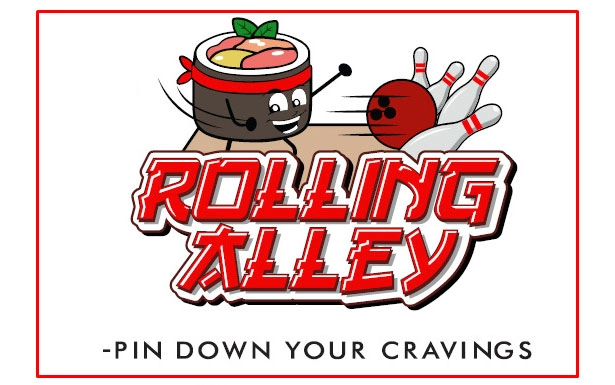
A great vector graphics software must offer accurate control over lines, curves, and shapes. Designers rely on precision to create artwork that scales perfectly without losing quality. Smooth scalability is essential for printing, embroidery, signage, and any work that requires clean, sharp edges at any size.
File Compatibility and Learning Curve
Strong file compatibility is important because businesses work with multiple formats such as AI, EPS, SVG, PDF, and DXF. A good vector tool should handle these formats easily. The learning curve also matters. Software that is powerful yet simple to understand helps maintain a fast and efficient workflow.
Speed, AI Tools, and Print Accuracy
Speed plays a major role in producing professional and print-ready artwork. In 2026, vector tools offer AI-assisted tracing, auto-cleanup, and path refinement features that reduce manual work and improve accuracy.
Automation and Cloud Integration
Modern vector software focuses heavily on automation and cloud support. These features help teams sync files, collaborate across devices, and automate repetitive tasks. This results in a smoother workflow and more consistent, high-quality output.
2.CorelDRAW Graphics Suite
a. Overview
CorelDRAW Graphics Suite remains one of the most popular vector tools among print shops, embroidery companies, signage manufacturers, and apparel decoration businesses in 2026. Its practical layout, business-focused features, and smooth workflow make it especially appealing for industries that require fast and accurate artwork preparation. Many commercial production teams prefer CorelDRAW because it handles print layouts and vector adjustments with less complexity compared to some competitors.
b. Key Features
CorelDRAW offers excellent node editing tools that allow users to refine curves and shapes with precision. Its advanced color management system ensures that printed results match what appears on screen, which is essential for branding and apparel work. The multipage layout feature is perfect for packaging, brochures, or large production jobs. Corel’s tracing tools, especially PowerTRACE, help convert raster images into usable vector artwork quickly, which is useful for logos and customer-supplied images.
c. Strengths
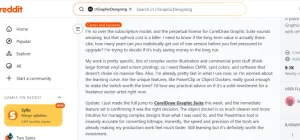
One of CorelDRAW’s biggest strengths is its speed. It is built for fast, practical workflows, which makes it an excellent choice for producing apparel artwork, signage designs, and logo vectors. Many embroidery digitizing teams also prefer CorelDRAW because of its clean line control and strong DXF, AI, and EPS compatibility. Another major advantage is pricing. CorelDRAW typically offers more affordable purchase options compared to Adobe Illustrator, which makes it attractive for small to medium-sized businesses.
d. Limitations
While CorelDRAW is powerful, it is not as universally adopted worldwide as Illustrator. Some agencies and printers may prefer Adobe file formats, which means Corel users occasionally need to export and test compatibility.
e. Best For
CorelDRAW is ideal for logo designers, screen printers, embroidery digitizing support teams, signage companies, and small business designers who want fast, reliable vector creation without a steep learning curve.
3. Affinity Designer
a. Overview
Affinity Designer has become one of the most popular modern alternatives to traditional vector software, especially because of its low cost and no-subscription pricing model. By 2026, it has solidified its place as a favorite among freelancers, students, and small studios who want professional-quality vector tools without the ongoing expenses of monthly plans. Its clean interface, smooth workflow, and fast performance make it an appealing choice for those who need powerful features in a more user-friendly package.
b. Key Features
One of Affinity Designer’s standout features is its dual workspace setup, allowing users to switch between vector and pixel editing with a single click. This makes it ideal for hybrid artwork that combines clean vector shapes with textured or detailed raster elements. The software also offers advanced curve editing, precise node control, and a highly responsive engine that handles complex artwork without slowing down. Layer effects, brushes, and artboards add even more creative flexibility.
c. Strengths
Affinity Designer’s strongest advantage is affordability. It offers a one-time purchase that makes it far more budget-friendly than Adobe’s subscription model. Despite its lower cost, the tool delivers professional-level performance and is perfect for designers who want efficiency without complexity. Its smooth learning curve also makes it easy to adopt.
d. Limitations
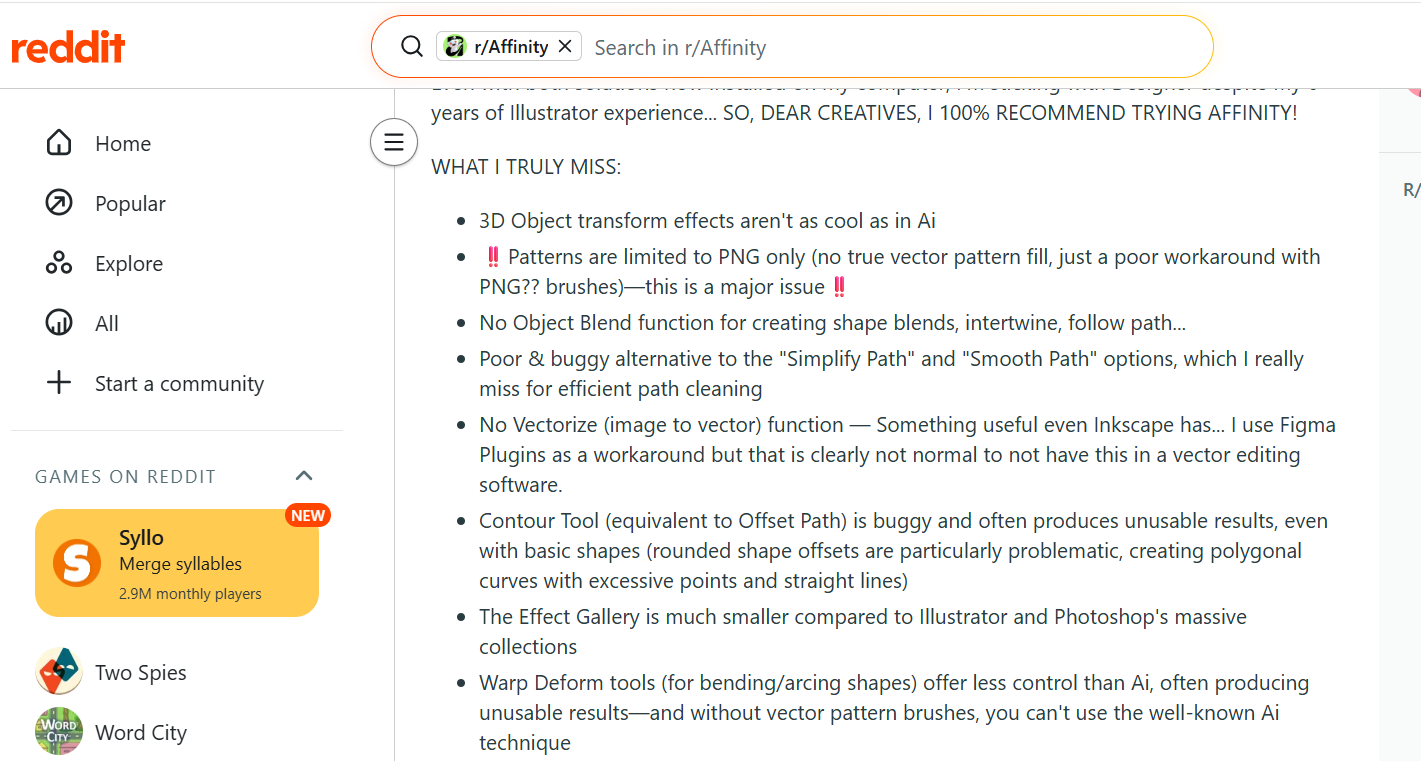
The main limitation is that Affinity Designer has fewer automation tools, plugins, and industry integrations compared to Illustrator or CorelDRAW. This may limit large commercial workflows.
e. Ideal Users
Affinity Designer is ideal for freelancers, students, hobbyists, and small graphic teams who want a powerful, affordable vector design tool that still offers professional-level results.
4. Inkscape
a. Overview
Inkscape is a free, open-source vector editing software that continues to improve through community-driven updates. By 2026, it remains one of the best no-cost alternatives for users who want reliable vector tools without paying for subscriptions or licenses. Its active development community provides regular updates, new features, and ongoing improvements that make it a solid starting point in vector design.
b. Key Features
Inkscape includes a wide range of professional tools such as node manipulation, path effects, object transformations, and a capable tracing feature for converting raster images into vector artwork. It operates natively in SVG format, making it ideal for web graphics and open-source workflows. Extensions add extra flexibility for more detailed editing.
c. Strengths
The biggest strength of Inkscape is that it is completely free to use. This makes it perfect for beginners or anyone on a tight budget. It offers enough features for simple logos, beginner illustrations, and light vector tasks. However, many businesses still prefer hiring professional vector conversion services when they need accurate, print-ready artwork, since it saves time, prevents technical errors, and eliminates the need to learn multiple software tools.
d. Limitations
Inkscape is slower than paid software like Illustrator or CorelDRAW. It may struggle with large or complex artwork and does not offer the polished commercial workflow, automation, or AI tools found in premium programs.
e. Who Should Use It
Inkscape is best for hobbyists, beginners, students, and light design users who want to explore vector editing without investing in paid software.
Why Hiring Professional Vector Conversion Services Is a Smarter Choice
a. No Learning Curve
Vector design software requires practice, technical knowledge, and time to master. Tools like Adobe Illustrator and CorelDRAW are powerful, but they come with steep learning curves that most business owners simply do not have the hours to learn. Instead of spending weeks trying to understand curves, nodes, tracing, and print settings, hiring a professional service allows you to skip the technical struggle entirely.
b. Saves Time, Resources, and Money
Professional vector teams specialize in converting raster images into clean, accurate, and print-ready vector files within a short time. You save money by not purchasing expensive software or training staff, and you also avoid costly production errors such as jagged edges, incorrect paths, color mismatches, or poorly prepared files. Outsourcing ensures your artwork is ready for printing, embroidery, or signage without wasting materials.
c. Consistent, High-Quality Results
Professionals understand important technical factors such as line thickness, scalability, color modes, and file requirements for different printing methods. Whether the artwork is going on embroidery machines, DTG printers, screen printing presses, UV printers, engravers, or large-format banners, they ensure everything works smoothly and looks clean at every size.
d. When to Choose Professional Services
Hiring a vector service is especially useful for business logos, apparel printing, custom patches, product packaging, signage, and large-format branding. It is the best option for companies that want polished, reliable results without investing time or money into complex vector software.
Conclusion
The top vector graphics software of 2026 offers something for everyone. Adobe Illustrator remains the industry standard for professionals who need maximum precision and universal compatibility. CorelDRAW is perfect for print shops, embroidery teams, and signage businesses that want a fast, practical workflow. Affinity Designer is the ideal choice for freelancers and small studios looking for powerful tools without a subscription. Inkscape provides a completely free entry point for beginners and hobbyists exploring vector design.
While choosing the right software can improve your workflow, true quality still comes from expertise. Vector graphics require technical accuracy, clean paths, correct color settings, and production-ready formatting. That is why many businesses prefer hiring professional vector conversion services for guaranteed accuracy, faster turnaround, and zero learning curve. It is the smartest way to get reliable, high-quality results without the hassle.