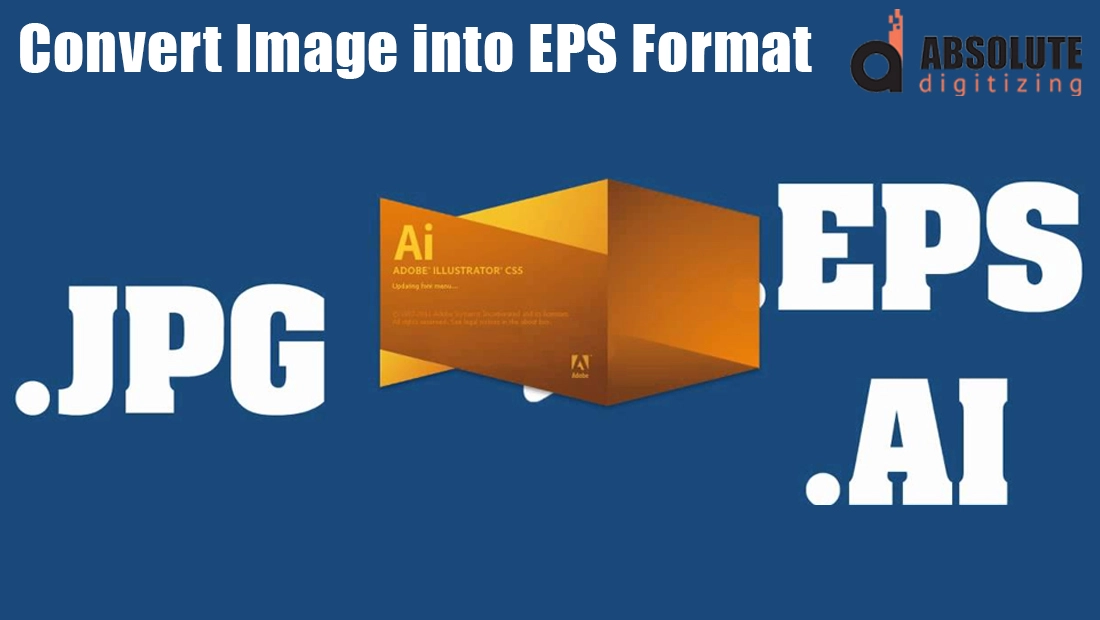
EPS, or Encapsulated PostScript, is a popular file format used in the world of printing and graphic design. Unlike standard image formats such as JPG or PNG, an EPS file is vector-based, meaning it can be scaled to any size without losing quality. This makes it the go-to choice for high-resolution printing, logos, and professional branding materials.
Many businesses and designers often face the need to convert images like JPGs or PNGs into EPS format, especially when preparing files for print shops, promotional items, or large banners. Having the right format ensures crisp, sharp results every time, no matter how small or large the design is printed.
When it comes to converting images into EPS, there are two main routes you can take: using DIY software like Adobe Illustrator or CorelDRAW, or saving time and effort by hiring professional vector tracing services. Both have their pros and cons, which we’ll break down in this blog so you can make the best choice for your needs.
What is an EPS File?
EPS stands for Encapsulated PostScript, a file format mainly used for vector graphics. Unlike standard image formats such as JPG or PNG, EPS files are built from mathematical equations that define points, lines, and curves. This makes them infinitely scalable without losing quality. Whether you shrink an EPS logo for a business card or enlarge it for a billboard, it always stays sharp and professional.
EPS files are widely used in professional printing because they deliver consistent, high-quality results. Printers and designers trust EPS files for projects like signage, posters, logos, and marketing materials. The format also provides backward compatibility, which means older design and printing systems can still handle EPS files reliably.
Key Features of EPS
-
Vector-based: Perfect for illustrations, logos, and graphics that must be scaled.
-
Lossless quality: Resizing does not affect sharpness or detail.
-
Supports multiple data types: Can include both vector and bitmap elements.
-
PostScript commands: Ideal for professional printers that use PostScript technology.
How Do You Open an EPS File?
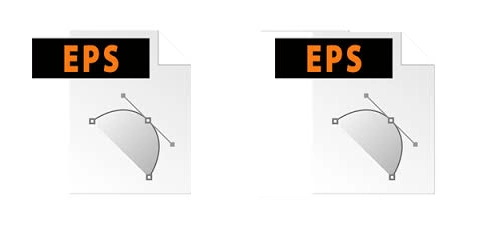
Opening an EPS file requires the right software. Free tools like standard image viewers usually cannot handle EPS properly. To open and edit an EPS file, you need professional design software such as Adobe Illustrator or CorelDRAW. These programs allow you to view, scale, and edit EPS files with full control. Some other software, like Adobe Photoshop, can open EPS files too, but since EPS is a vector format, Illustrator or CorelDRAW are better suited for maintaining scalability and precision.
For simple viewing without editing, there are also free EPS viewers available online. However, for professional use, specialized vector design software is the best choice.
Using Paid Software for EPS Conversion
Adobe Illustrator

Adobe Illustrator is widely recognized as the industry standard for vector graphics and EPS file creation. It’s a powerful tool that can handle both simple images and highly detailed, complex designs with ease. Whether you’re converting a basic logo or working on intricate artwork, Illustrator provides professional-level accuracy and reliability.
However, to use Adobe Illustrator, you need to purchase a subscription, which can be billed monthly or yearly. This ongoing cost can feel heavy, especially if you only need EPS conversion occasionally. Another challenge is the learning curve—Illustrator isn’t beginner-friendly. New users often spend hours learning the basics before they can efficiently convert images into EPS format.
CorelDRAW

CorelDRAW is another professional-grade software option for creating and editing EPS files. Like Illustrator, it is equipped with advanced tools to manage both simple and complex image conversions with professional results. Designers worldwide rely on CorelDRAW for tasks such as logo design, vector tracing, and print-ready artwork.
The software also requires a paid subscription or a one-time license, depending on the package. While it offers similar strengths to Illustrator, it also demands time and effort to learn. For beginners, mastering CorelDRAW can take weeks or even months, making it more suitable for designers who plan to use it regularly rather than for occasional EPS conversions.
| Software | Pricing (Typical) | Learning Curve & Timeline |
|---|---|---|
| Illustrator | ~$23/mo (annual), ~$60 all-apps plan | Basics in days–weeks; proficiency in weeks–months; mastery is ongoing |
| CorelDRAW | ~$249/yr subscription or $499–$549 one-time | Basics in weeks; even experts keep learning over years |
Free Tools and Their Limitations
Free Converters Are Easily Available
There are many free image-to-EPS converters online, such as Convertio, Zamzar, and OnlineConvertFree. These platforms usually have a simple interface. You just upload your file, press convert, and download the EPS version. The biggest advantage is that they do not cost anything and are easy to try.
The Problem with Complex Images
Free converters may work for very basic shapes, but they struggle with detailed graphics. Logos, intricate artwork, or images with multiple colors often end up distorted or incomplete. This makes them unreliable for professional use where accuracy is important.
Hidden Learning Curve
Even though these tools are free, they still take time to figure out. You might need to test several platforms, adjust settings, or re-upload files before you get an acceptable result. This trial-and-error process can be frustrating and wastes valuable time.
Quality Compromises
The biggest drawback of free tools is the compromised quality. Converted EPS files often lose sharpness, show broken lines, or have color mismatches. For businesses that need clean, print-ready files, these flaws can damage a brand’s image and create extra work.
Why Hiring Professional Vector Tracing Services is a Smart Choice

Precision and Accuracy Every Time
When you hire professionals for vector tracing, you get precision that free tools and beginners simply cannot match. Skilled designers know how to handle both simple and complex images, ensuring the final EPS file is clean, sharp, and ready for any professional use.
Affordable Pricing
At Absolute Digitizing, professional EPS conversion is available for just $10 per image. This low cost makes it a budget-friendly option compared to the expensive subscriptions of Adobe Illustrator or CorelDRAW.
Save Hours of Time
Instead of spending weeks learning complicated software or wasting hours on trial-and-error with free tools, you can get the job done quickly by experts. This frees you from technical struggles and allows you to focus on what really matters, growing your business.
Focus on Marketing and Production
Time saved on file conversion can be better invested in areas like marketing, customer service, and production. With professionals taking care of the technical side, you gain more freedom to drive sales and scale your business.
Licensed Software and Skilled Expertise
At Absolute Digitizing, we use licensed paid software such as Adobe Illustrator and CorelDRAW, combined with the experience of skilled professionals. This guarantees reliable results that meet industry standards, giving you peace of mind.
Benefits of Choosing Absolute Digitizing
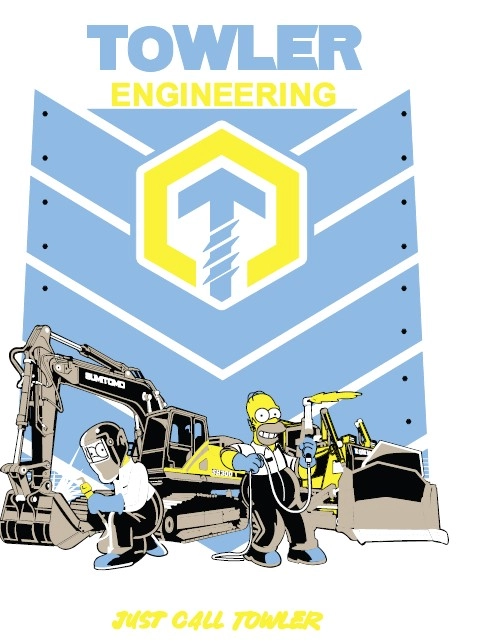
Affordable Pricing
Absolute Digitizing offers EPS conversion services starting at just $10 per image. This makes it an affordable solution compared to paying high subscription fees for complex software that you may rarely use.
Quick Turnaround Time
We understand that time is valuable. That is why we guarantee a fast turnaround so you get your EPS files ready for printing or production without delays. Whether you need a single logo or multiple files, delivery is always quick and reliable.
Skilled Professionals
Our team consists of experienced professionals who know how to accurately trace even the most complex images. From simple icons to detailed logos, every file is handled with precision to ensure the highest quality results.
Peace of Mind
With Absolute Digitizing, you do not have to worry about inconsistent results. We deliver consistent quality every time, so you can confidently use your EPS files for printing, branding, or any professional project.
Conclusion
EPS format is essential when it comes to producing high-quality, scalable graphics that look sharp on everything from business cards to billboards. Converting images into EPS files can be done in different ways, but not all options are equal.
Using DIY software like Adobe Illustrator or CorelDRAW can get the job done, but it comes with a steep learning curve and costly subscription fees. Free tools may seem attractive, yet they are often limited, unreliable, and fail to deliver professional-quality results.
The smartest choice is hiring professionals who specialize in vector tracing. It is affordable, efficient, and saves valuable time that you can invest in growing your business instead of struggling with technical details.
Don’t waste time learning complex software, let our experts handle it for just $10. Get your instant free quote today at Absolute Digitizing and receive precise, print-ready EPS files with guaranteed quality and quick turnaround.